Some people would say it’s “opacity” (the opposite of transparency), but since the default is generally for a pixel to be fully opaque ,transparency would be a better word.
A pixel in a typical image has 3 values: red, green and blue. Usually they range from 0 to 255. So a pixel which has the values 255, 0, 0 is pure red — maximum value for the red component, minimum values for both green and blue.
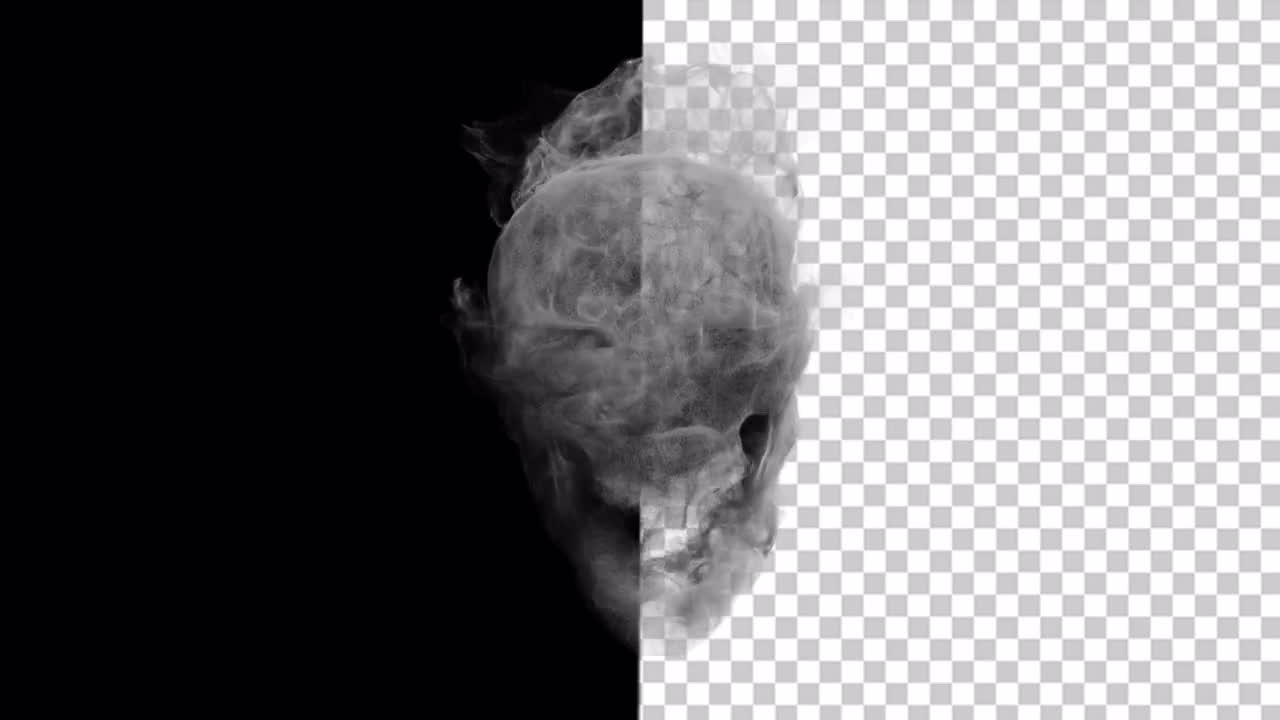
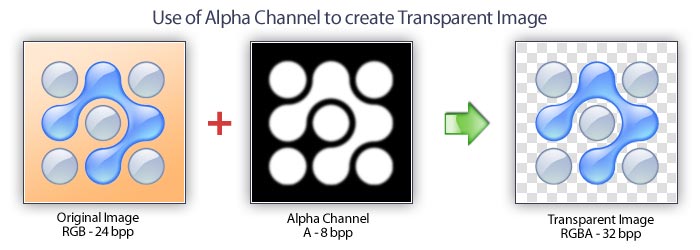
With an image that has an alpha channel, each pixel has four components: red, green blue and alpha. Alpha of 255 is opaque, while alpha of 0 is transparent.
The term “alpha channel” refers to the alpha components of all pixels taken together as a whole. (you can also refer to the red channel, etc) As mentioned above, an alternate term that is more likely to be easily understood by laypeople is “transparency map.”
PNG format allows for alpha channel, while JPEG does not. GIF images can have transparency, but it is all or nothing, each pixel will be completely transparent (and therefore have no color), or completely opaque.
Typical use of alpha channel is to simply have an area of the image be “background”, and partially transparent pixels are either right on the edge of the foreground, or are part of a shadow that overlays the background. However there are all kinds of cool things you can do with alpha channel images. Here’s one thing I built that uses the alpha channel to represent the color of the main object, while the other channels are the shading and reflections. This allows you to realistically change the color of the object simply by altering whatever is behind the images, even allowing for black, white and gray.
 Darray Tattoos
Leave a comment